

J
Jake@jakedaniels18
★★★★★
Having to drop and knock out 20 pushups just to silence my phone sounded crazy at first, but it literally jolts me awake instantly. Best wake-up routine I've ever had!!!

Loved by 250,000+ users with ⭐ 4.8 rating
Meet HyperClock
The evil alarm clock that actually wakes you up. Do push-ups, solve math, snap a photo and more to turn it off. No snooze, no excuses.
 HyperClock
Solve to turn off your alarm
Problem 2 of 3
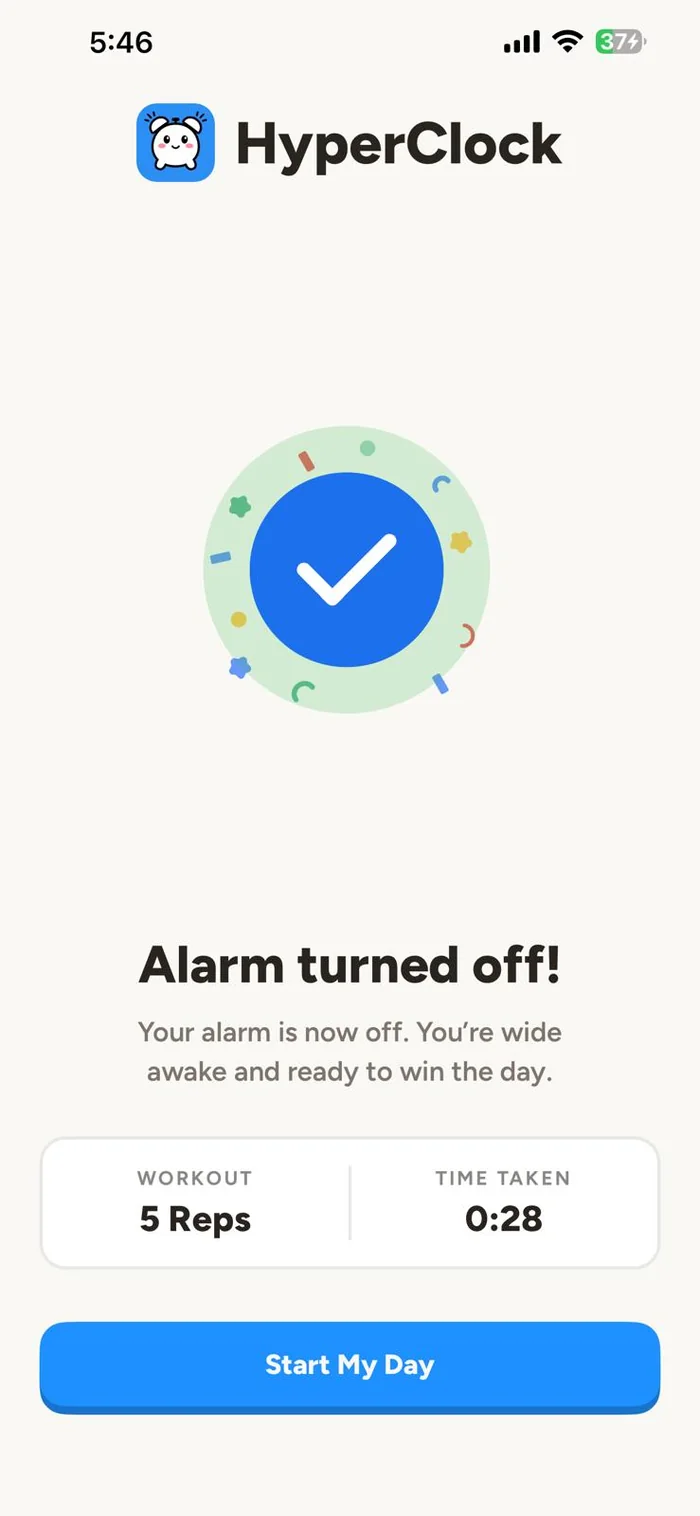
Alarm turned off
Good morning! You're up.
Real stories from people who've beaten the snooze button with HyperClock.
Having to drop and knock out 20 pushups just to silence my phone sounded crazy at first, but it literally jolts me awake instantly. Best wake-up routine I've ever had!!!
The math problems at 6 AM are brutal, but they genuinely work. By the time I solve them, the morning grogginess is completely gone and I'm actually alert.
Doing 15 squats while half-asleep feels ridiculous, but you literally cannot fall back asleep once your heart rate is up 😂 HyperClock is pure genius.
The randomized mission setting is the real secret. Some days it's mental math, other days it's physical tasks, so my brain can never cheat the system or get used to it!
I used to negotiate with myself every single morning and fail. Forcing me to do pushups right off the bat eliminates any chance of staying in bed. Legit changed my entire routine.
If you have zero self-control when an alarm rings, you need this app. Having to solve multiplication equations before the noise cuts off makes it impossible to sleepwalk through it!!!
I was skeptical, but the squat tracker won't let you cheat at all. It forces you completely out of the covers and gets your legs moving right away. Total game changer.
Having to drop and knock out 20 pushups just to silence my phone sounded crazy at first, but it literally jolts me awake instantly. Best wake-up routine I've ever had!!!
The math problems at 6 AM are brutal, but they genuinely work. By the time I solve them, the morning grogginess is completely gone and I'm actually alert.
Doing 15 squats while half-asleep feels ridiculous, but you literally cannot fall back asleep once your heart rate is up 😂 HyperClock is pure genius.
The randomized mission setting is the real secret. Some days it's mental math, other days it's physical tasks, so my brain can never cheat the system or get used to it!
I used to negotiate with myself every single morning and fail. Forcing me to do pushups right off the bat eliminates any chance of staying in bed. Legit changed my entire routine.
If you have zero self-control when an alarm rings, you need this app. Having to solve multiplication equations before the noise cuts off makes it impossible to sleepwalk through it!!!
I was skeptical, but the squat tracker won't let you cheat at all. It forces you completely out of the covers and gets your legs moving right away. Total game changer.
HyperClock completely saved my morning schedule! I love setting it to random missions because you never know what challenge is waiting for you when the alarm hits. So clever.
I used to sleep straight through half a dozen normal alarms and nearly got fired for being late. This app dragging me into immediate pushups is the only thing that actually works. Absolute lifesaver!!!
My issue was hitting snooze ten times and feeling like a zombie until noon. Having to do bodyweight squats before the noise stops clears my head immediately!
I had this terrible habit of turning off my phone in my sleep without even remembering it. You can't sleep-cheat mental math equations! Finally broke that toxic cycle 👏
I spent years failing to become a morning gym person because 5 AM willpower does not exist. An alarm that refuses to turn off until I complete my squats finally made the habit stick!!!
I used to turn off the alarm and doomscroll in bed for an hour every single morning. Doing pushups right away gets my blood flowing and makes me want to get on with my day. HyperClock nailed this.
Missed way too many 8 AM college lectures because standard alarms just became background noise. The math missions completely force my brain online before I can roll over. Haven't slept in once since!
HyperClock completely saved my morning schedule! I love setting it to random missions because you never know what challenge is waiting for you when the alarm hits. So clever.
I used to sleep straight through half a dozen normal alarms and nearly got fired for being late. This app dragging me into immediate pushups is the only thing that actually works. Absolute lifesaver!!!
My issue was hitting snooze ten times and feeling like a zombie until noon. Having to do bodyweight squats before the noise stops clears my head immediately!
I had this terrible habit of turning off my phone in my sleep without even remembering it. You can't sleep-cheat mental math equations! Finally broke that toxic cycle 👏
I spent years failing to become a morning gym person because 5 AM willpower does not exist. An alarm that refuses to turn off until I complete my squats finally made the habit stick!!!
I used to turn off the alarm and doomscroll in bed for an hour every single morning. Doing pushups right away gets my blood flowing and makes me want to get on with my day. HyperClock nailed this.
Missed way too many 8 AM college lectures because standard alarms just became background noise. The math missions completely force my brain online before I can roll over. Haven't slept in once since!
Set it up in 30 seconds. Wake up on time tomorrow.
Alarms
Mission
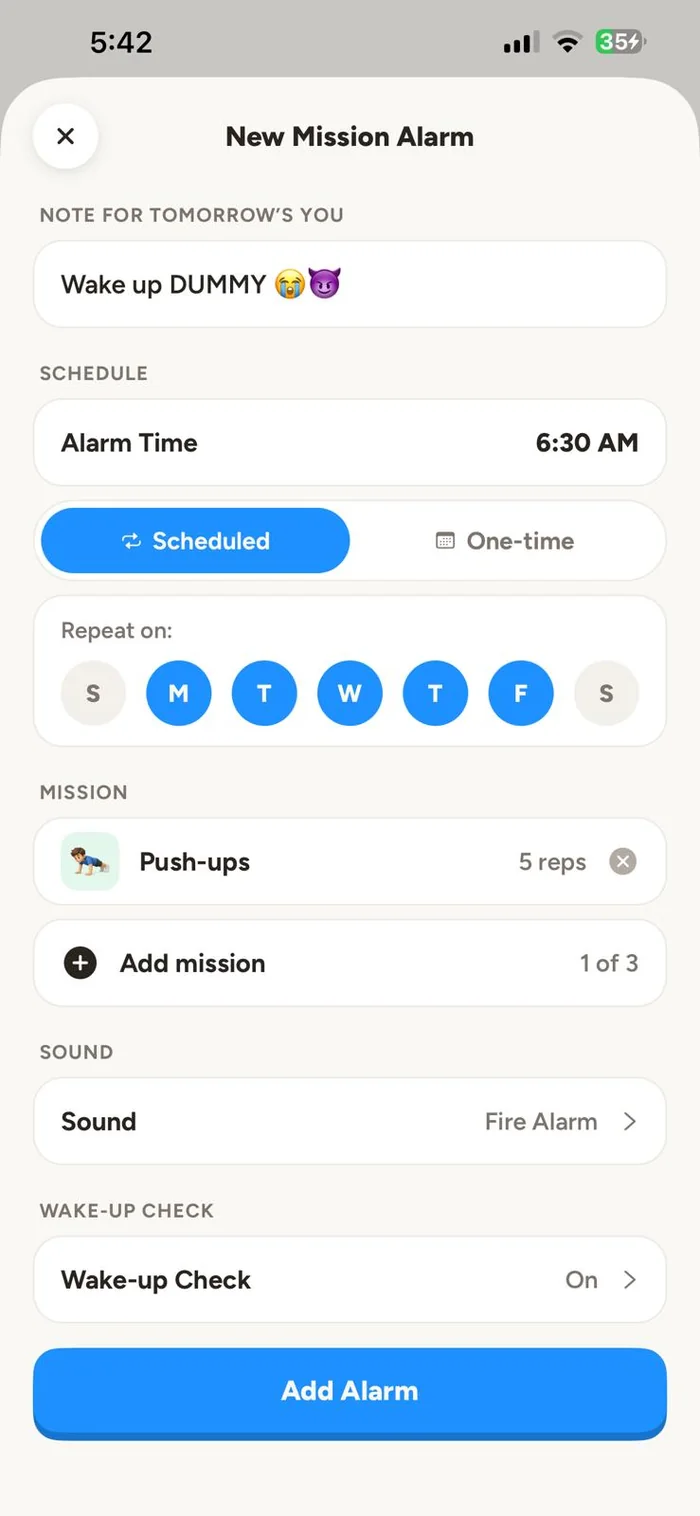
Pick your wake-up time and choose a mission. Push-ups, squats, math, photos, steps and more.
Push-ups
Keep going, alarm stops at 20
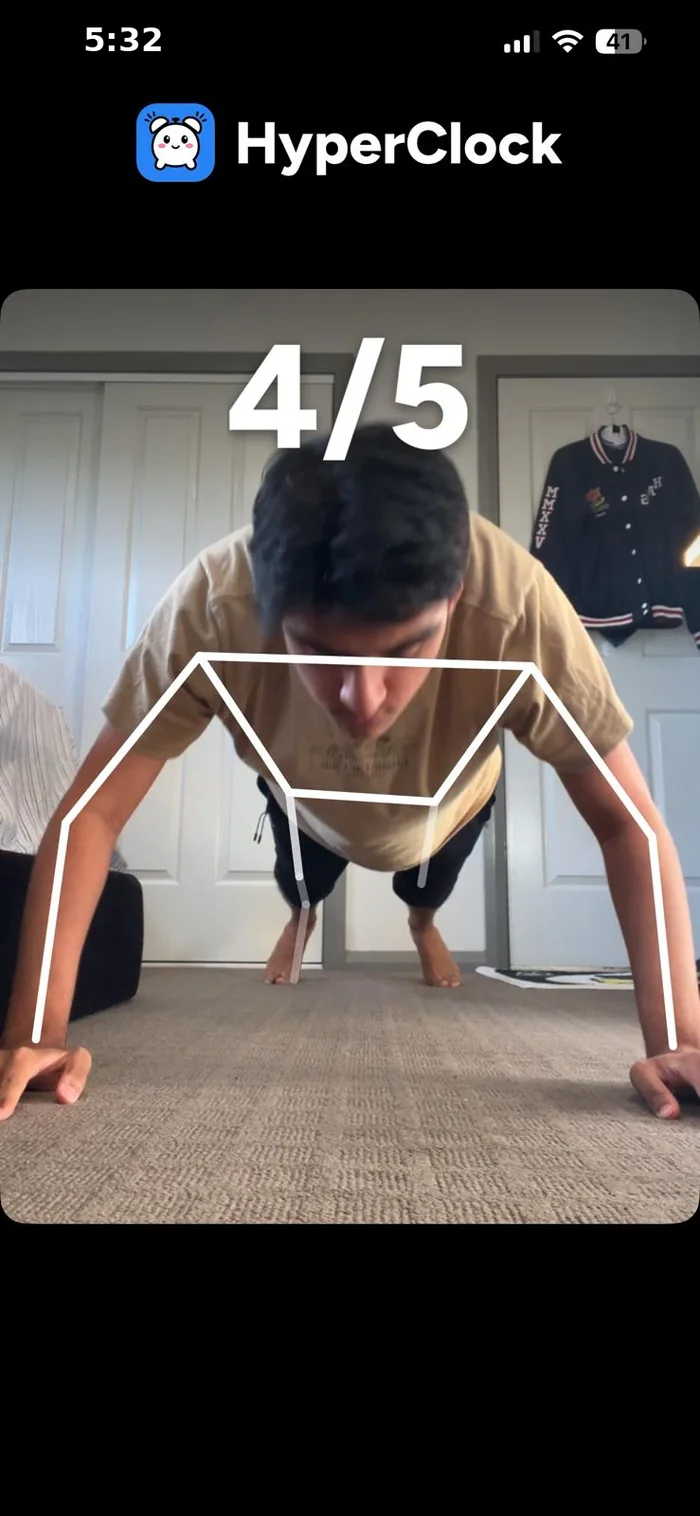
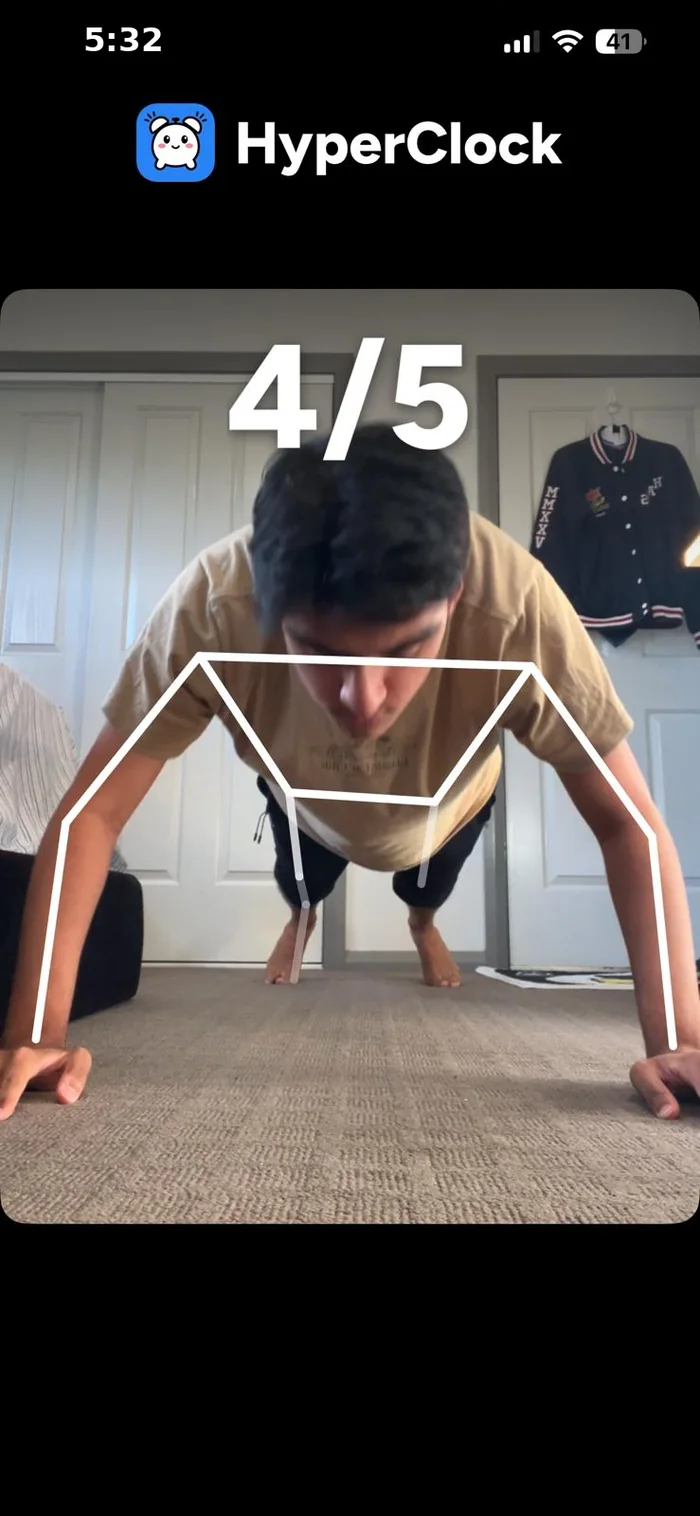
When the alarm rings, the only way to turn it off is to finish the mission you chose the night before.
Alarm turned off
Good morning! You're up.
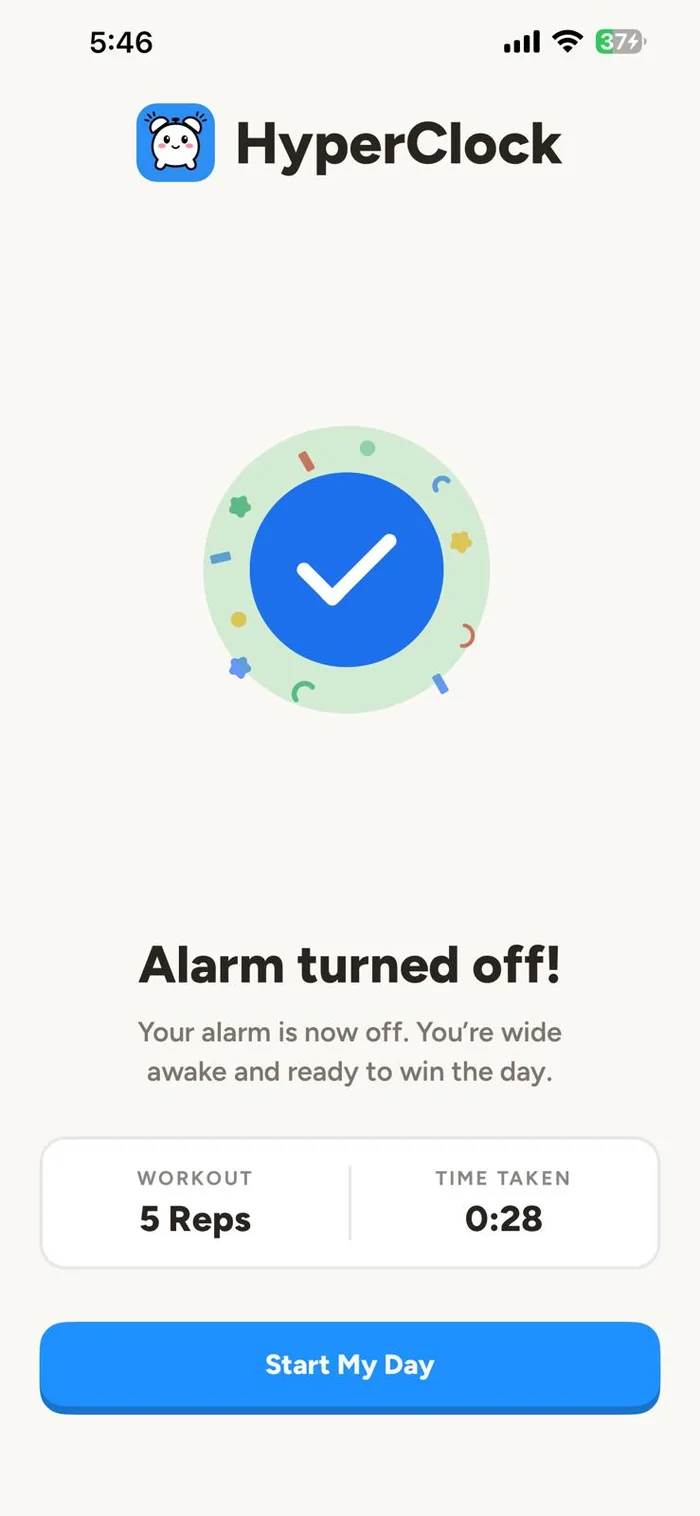
By the time the mission is done, you're out of bed and awake. Your streak grows by one.
An alarm clock built for heavy sleepers.
There is no snooze button and no dismiss button. The only way to turn HyperClock off is to finish your mission.
Math, memory, typing, shake, steps, photo, push-ups, squats and more. Pick whatever actually gets you out of bed.
The volume escalates the longer it rings, so even the deepest sleepers can't sleep through it.
A wake-up check runs after the alarm stops. If you don't confirm you're up, it rings again.
Every on-time morning adds to your streak. Watch it grow and don't break the chain.
From easy to brutal. Turn it up as high as you need for how deep you sleep.
Everything you need to know about HyperClock.
HyperClock won't turn off until you complete a mission. Set your alarm, pick a mission like solving math problems, doing push-ups and more, and when it rings, finishing that mission is the only way to silence it. By the time you're done, you're already up.
Math, memory, typing, shake, steps, photo, push-ups, squats and more. Pick the one that actually gets you out of bed. You can also set it to random, so you never know what's waiting when the alarm hits.
No. There's no snooze button and no dismiss button, and that's the whole point. HyperClock is built to break the snooze habit, so the only way out is through the mission.
Every mission has its own check. Math and typing need correct answers, steps and shakes are counted by your phone's sensors, push-ups are tracked rep by rep, and photo missions need a real photo taken in the moment. The alarm keeps ringing until the mission is verified.
HyperClock is built for exactly that. The volume escalates the longer it rings, you can turn the difficulty up as high as you need, and you can't dismiss it from bed half asleep. You have to physically wake up to finish the mission.
After you turn off the alarm, HyperClock runs a wake-up check. If you don't confirm you're up, the alarm rings again, so there's no sneaking back to sleep.
Yes. HyperClock uses your phone's built-in alarm system, the same one your default clock app uses, so it rings even when your phone is on silent or a Focus or Do Not Disturb mode is on. It also pushes the volume back up if you try to turn it down mid-alarm.
HyperClock is available on iPhone and Android.
Email us at hyperclockapp@gmail.com